
How to Get Court Records
The free starting point is Indiana MyCase. Pick Starke Circuit Court or Starke County-Knox City Court. Then search by cause number, party, attorney, citation number, or any other field the portal supports. Write down the court and the exact case number. Add the case type, the filing date, the Chronological Case Summary entry, and the document title. Keep in mind that the MyCase display is not the official record. Some document images stay closed to anonymous users.
When an item does not appear online, go to the office that keeps it. The Clerk of the Starke Circuit Court answers Circuit Court questions. Reach the office by phone and at the counter. A mailed request should state the cause and the date range. Include the document, the format, and whether certification is needed. Knox City Court keeps its own misdemeanor, infraction, and ordinance files. For a hearing transcript, contact the court reporter. Bulk datasets come through Indiana court administration, not MyCase.
- Locate the case and identify its exact court.
- Note the cause number, document title, filing date, and CCS entry.
- Choose inspection, a plain copy, certification, a judgment transcript, or a hearing transcript.
- Ask the proper clerk or reporter to confirm cost, payee, format, and delivery.
- Request public portions when part of a record is restricted.
- Compare the delivered item with the CCS.
Inspect Starke Records Before Ordering
Look before you pay. Indiana rules let the public inspect and review court records at no inspection fee. Copying and certification can cost money, though. At the Starke clerk counter, bring a cause number or a narrow description of the filing. Ask whether a public terminal, a paper file, or a redacted image is available. The county's public courthouse account notes that most documents may be requested through the Clerk's Office.
The Indiana Judicial Branch public-records page lays out the official route. It covers MyCase, clerks, and specialized requests.
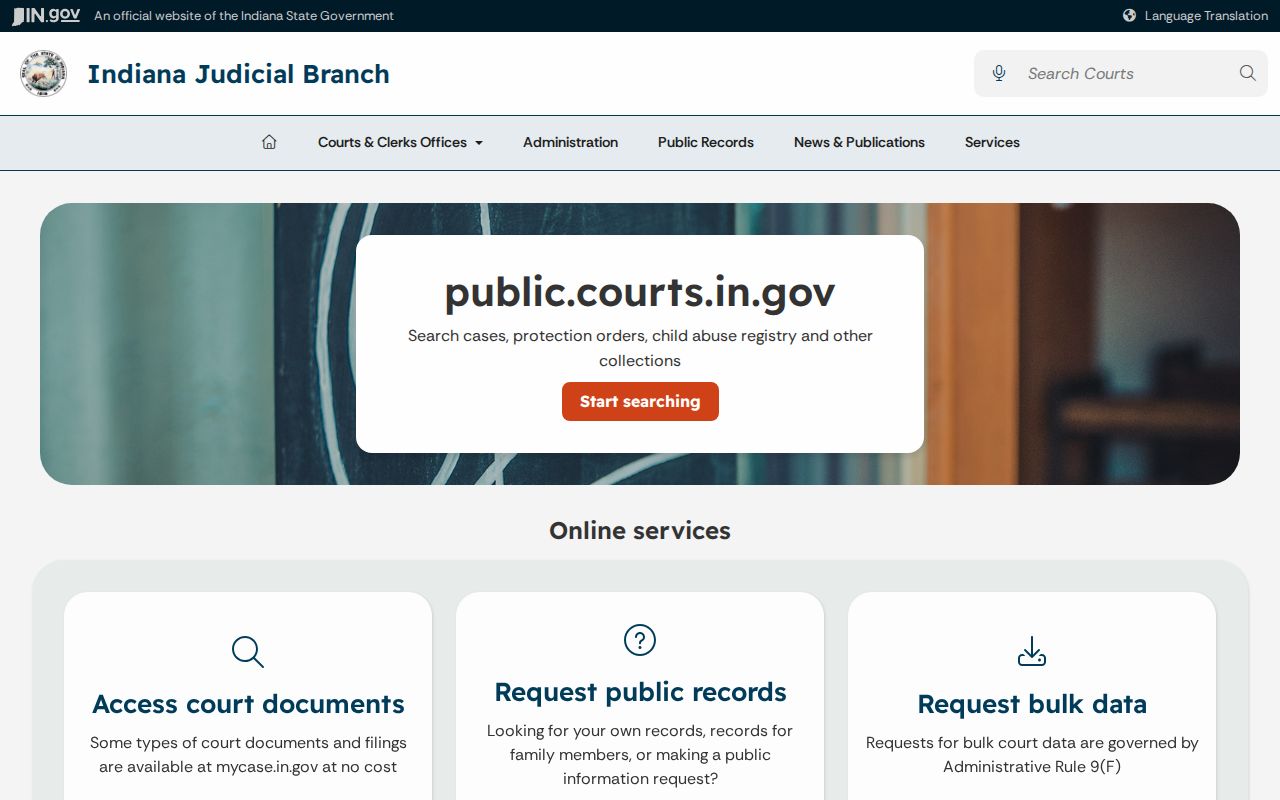
One limit stands out here. A portal result can locate a Starke County record, but custody and certification stay with the court that maintains the file, so the paper itself comes only from that office.
Choose the product first: A full file, CCS printout, single order, and hearing transcript are distinct records with different request paths.
Types of Court Records
Starke Circuit Court serves as the county's court of record. Its clerk maintains criminal, civil, family, juvenile, probate, protective-order, mental-health, small-claims, and related files. Public portions may include the CCS, pleadings, motions, notices, orders, judgments, and financial entries. Access varies by case. A visible event line does not guarantee that the linked image is open online.
Knox City Court records cover the cases filed there. Examples include misdemeanors, infractions, and ordinance violations. If a Knox judgment proceeds by trial de novo, the later Circuit Court case carries its own separate record. Trial de novo means a new trial in the reviewing court. It is not a continuation of the city file. Federal matters belong to PACER and the Northern District of Indiana, not MyCase.
- CCS: the dated list of events and filings.
- RJO: Indiana's Record of Judgments and Orders.
- Filed document: a pleading, motion, notice, exhibit, or submission.
- Certified copy: a copy authenticated by the clerk.
- Hearing record: audio, video, or reporter material from a proceeding.
Note: An appellate opinion may cite a Starke cause number, but it is not the complete trial-court file, so the underlying court docket still matters.
Starke CCS and Document Images
The Chronological Case Summary is the event index for an Indiana case. It may show a motion filed, an order entered, service issued, or a hearing set. CCS text can be public even when the underlying image cannot be opened. Party access codes and attorney portal access may reveal different document sets. Those credentials do not override a restriction.
This distinction matters whenever a MyCase result looks complete. The summary often points to the exact date and title needed for a clerk request. Historical images may sit with the clerk even with no scan online. Treat the event record as a finding tool. Then ask the clerk for the named public document rather than assuming a missing download means a missing filing.
| Cause number | Identifies the county, court, year, case type, and sequence. |
|---|---|
| CCS date | Shows when the court recorded an event. |
| Entry text | Summarizes a filing, setting, order, service step, or result. |
| Document title | Names the item to request from the clerk. |
| Access status | May show an image, limited access, or no public download. |
What a Court Record Contains
A complete public record connects the CCS to the documents behind it. The cause number anchors the file. Party and attorney information identifies the public participants. Filing stamps, service events, hearing settings, rulings, and disposition details show how the matter moved through the court. Financial entries may list assessments or payments. But MyCase warns users not to treat displayed financial information as a final payoff figure.
Orders and judgments carry more detail than a short event line ever will. A certified copy authenticates the document as issued by the clerk. It does not establish that each allegation in a filing is true. For genealogy or historical work, bring names, an approximate year, and the record type. That gives the clerk a workable frame without demanding a broad compiled report.
| Court and cause | The custodian and unique file identifier. |
|---|---|
| Parties and counsel | Public names and appearances. |
| Filings | Dated pleadings, motions, notices, and submissions. |
| Settings | Public dates, times, officer, and setting type. |
| Orders and result | Rulings, judgment, dismissal, sentence, or other disposition. |
Write a Starke Records Request
The Starke Circuit Court posts no one-size-fits-all copy request form on its official pages. Write a letter instead. A clear letter gets processed faster. Give the clerk your contact details, the court and cause number, a tight date range, the document title or CCS date, the format you want, and how many copies. Say plainly what you need. It may be a plain copy, a certified copy, a judgment transcript, or a hearing transcript.
If the Starke County file holds protected material, ask for the nonconfidential portions. Keep proof that you sent the request. Before any payment goes in the mail, call the clerk. Confirm the current fee, the accepted method, the payee, and how copies will come back. Indiana's official court-record request directions sort requests into case files, transcripts, marriage or divorce documents, wills, and bulk data. That routing matters. It keeps a hearing request from landing with a case clerk and a trial record request from going to an appellate office.
Certified Copies and Fees
Start with the Indiana Trial Court Fee Manual, the statewide fee reference. Its document section caps copy pages at $1 each. Certification adds $1, and a transcript of judgment is listed at $3. Starke Local Rule 75-AR15-1 sets the local ceiling for transcript work at $3.25 per page. That ceiling covers county, state-indigent, and private requests alike. None of these figures replaces a quote from the clerk. Page count, service, storage, and how you pay can all move the final total.
| Record item | Published figure | Request route |
|---|---|---|
| Public inspection | No inspection fee | Proper clerk or terminal |
| Document copy | Up to $1 per page | Clerk holding the case |
| Certification | $1 each | Request with the copy |
| Judgment transcript | $3 | Clerk records counter |
| Local transcript | Up to $3.25 per page | Reporter or court |
Clerk of the Starke Circuit Court
53 East Washington Street
Knox, IN 46534
574-772-9128
Starke Hearing Records and Transcripts
A hearing transcript is not a CCS printout. The CCS entry shows that a proceeding happened; a transcript records what was actually said. When you request one from Starke County, identify the cause number. Include the hearing date, the judicial officer, and any reporter or recording details you know. Indiana's hearing-record guidance covers requests for audio or video and how the court responds. Expect some waiting. A court may need time to review the recording. It screens out confidential parts before releasing anything.
Some Starke proceedings use digital court reporting, and local rules set the reporter fees. Ask which product fits your need. It could be an audio copy, a video copy, a certified transcript, or another accessible record. Attending the hearing in person does not open every exhibit. The court can hand over the public part while withholding anything the rules exclude.
Public Access and Sealed Records
Indiana Access to Court Records Rule 4 starts from a presumption. That presumption says court records are public. Rule 5 lists what falls outside that openness. Juvenile material, protected information, sealed documents, expunged matters, and confidential data may be missing or redacted. Rule 9 gives a process for certain requests aimed at excluded records.
The Indiana Access to Public Records Act covers many agency records, but judicial rules control court-case access. A docket search that returns nothing does not prove no case exists. The gap may come from a spelling error or timing. It could also come from which court heard the matter, an older file, or a lawful restriction. Ask the clerk whether a public redacted version exists. Staff can explain access and fees. They cannot give legal advice.
Key access rule: Request the specific public record or its nonconfidential portion. Do not ask staff to disclose sealed data or bypass a MyCase restriction.
Verify Starke Records Against CCS
When your copy arrives, check it against the docket. Match the court, cause number, caption, file stamp, title, and CCS date. Confirm every requested page is there and that the certification covers the right item. If a judgment was amended, a later entry can change what an earlier order showed. The public Starke County case search can surface later events before you commit to a final request.
For work across many cases, Indiana offers IOCS bulk data. It is priced with per-case, message, and possible labor charges. It is the proper alternative to scraping MyCase. Bulk output still answers to access and redaction rules. Each row is a data point, not a certified court record.